
Searching the Seattle Court Docket
When the notice names Seattle Municipal Court, begin at the Seattle Municipal Court Portal. Anyone may search case information and courtroom calendars there without a public-information login. Accounts come into play for attorneys, legal support staff, and self-represented defendants who file documents. Before searching, gather the party name exactly as it appears on court papers, plus the case or citation number and a rough filing date. Those details help separate similar names from old Seattle matters.
- Choose Party Search for a name or Citation Search for a ticket.
- Enter the filed name, citation data, and a date range when known.
- Open the matching Seattle case and verify the Seattle court and case number.
- Read the Hearings tab, separating active settings from held events.
- Contact the Seattle clerk when a record, image, or date is missing or conflicts with the notice.
The statewide AOC index can point you to another court. Seattle Municipal Court is excluded from Find My Court Date, though. For a Seattle municipal setting, the city portal and the clerk are the main routes.
Seattle Party and Citation Searches
Seattle offers two public search paths. A party query and a citation query solve different problems. Under Party Criteria, Party Search accepts a name. Narrow the results by choosing Infraction as the Case Category. Adding a Case Filed Date range helps too. For traffic and parking matters, use Citation Search. The official instructions note one quirk. A license plate may go in the Cited Party Name field.
| Search | Useful input | Result |
|---|---|---|
| Party Search | Name, category, filed date | Cases tied to the named party |
| Citation Search | Citation facts or plate | Traffic or parking case |
| Defendant Search | Defendant identity | Case and hearing list |
A name alone can return shaky matches. Before trusting a result, check the Seattle court name and case number. A docket is a chronology that keeps changing, so the newest entry beats an older screen or notice.
Seattle Municipal Court Basics
Seattle Municipal Court hears alleged violations of Seattle ordinances and some Washington laws. Its calendars cover arraignment, review, pretrial, bench trial, jury trial, and sentencing work. The city identifies seven elected judges. This is a distinct city court. It has its own records unit and portal, not a branch of King County Superior Court.
Most current case details are available electronically, though access varies by record type and age. Noncriminal records and older criminal records may be available only through the Records Unit. That office sits on the third floor. So a valid Seattle matter can exist even when the public portal returns nothing.
For current Seattle channels, the official case-information page is the best source. It separates case lookup, records requests, filing access, and clerk contact. Each is treated as its own service rather than one blended offering.
Seattle Hearing Status Codes
The Seattle Hearings tab lists both past and current settings. H means a hearing was held; A means active. Each row can show the date, time, hearing type, and courtroom. Compare an active row against your current papers. A held row is history, not your next appearance.
- Active (A)
- A hearing that remains set in the Seattle portal.
- Held (H)
- A hearing that already occurred and remains in the chronology.
- Setting type
- The event purpose, such as arraignment, review, pretrial, trial, or sentencing.
- Courtroom
- The room or remote calendar assigned to the event.
Seattle criminal hearings may be attended through WebEx unless a judge requires you to appear in person. Always follow the newest court notice. Evidence for a hearing goes through the Seattle court's published calendar process, not the ordinary copy-request address.
Court Dates and Settings in Seattle
Run a Defendant Search. Pick the right person, open the Seattle case, and check the Hearings tab. Washington Courts steers Seattle users away from its Find My Court Date tool. That tool excludes Seattle Municipal Court. When two sources disagree, the court notice and the Seattle clerk still rule. Trust those.
| Date | The day assigned to the Seattle event. |
|---|---|
| Time | The start time for the calendar or individual matter. |
| Courtroom | The room or remote assignment published by the Seattle court. |
| Judge | The judicial officer assigned when displayed. |
| Setting Type | The purpose, such as arraignment, review, pretrial, trial, or sentencing. |
| Status | Active A or held H, separating a live date from history. |
Check the Seattle docket again close to the appearance date. A later entry can reset or replace an older setting. One held event does not end the case.
Older Seattle Court Records
Older criminal records and noncriminal records may require the third-floor Records Unit. Send requests for older cases to smc_copy_requests@seattle.gov. That direct clerk route also works at times. It helps when the public docket names a filing but shows no image. Whenever possible, ask for a specific case and document.
The city's Seattle records instructions appear in the official capture below.
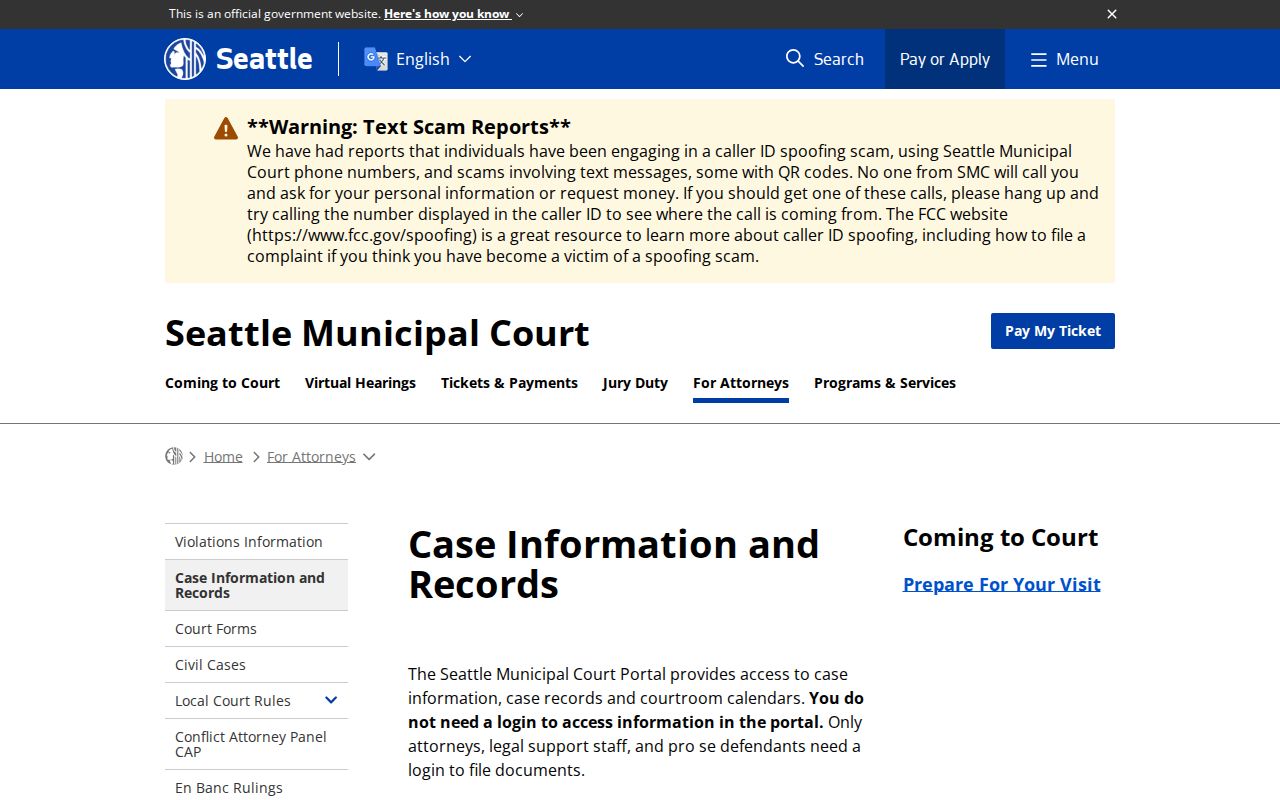
What the image shows is the city's direct route for case information and copies. That route is more precise than a broad city records request.
Hand the clerk enough facts to retrieve an existing record. Do not ask staff to create new research. A certified copy is something else entirely. Unlike an online image, it must come from the custodian.
Traffic Tickets in Seattle
For a ticket filed in Seattle Municipal Court, try Citation Search. The city ticket instructions go with it. The citation number works best. The cited name or a license plate can also help locate the matter. Verify the case before you read any payment or hearing information.
Paying and contesting are different responses. Follow the choices and deadline printed on the citation. A payment screen is not the whole Seattle docket. Hearings, filings, and the final result may be missing from it. The King County traffic ticket page explains county routes outside the city system.
If the Seattle citation search fails, recheck each character and contact the Seattle court. A missing match does not prove the obligation disappeared.
Seattle Civil Docket Records
Civil dockets at Seattle Municipal Court sit on a separate track. Criminal and infraction cases stay apart from them. The public portal will not show them. For a Seattle civil case lookup, contact the civil clerk. Reach the office at SMC_Civil@seattle.gov or 206-684-5650. Civil case numbers run in the format XX-XXX; the court's own sample is 21-001. The Seattle civil-case instructions on the official page lay out the details for attorneys and filers.
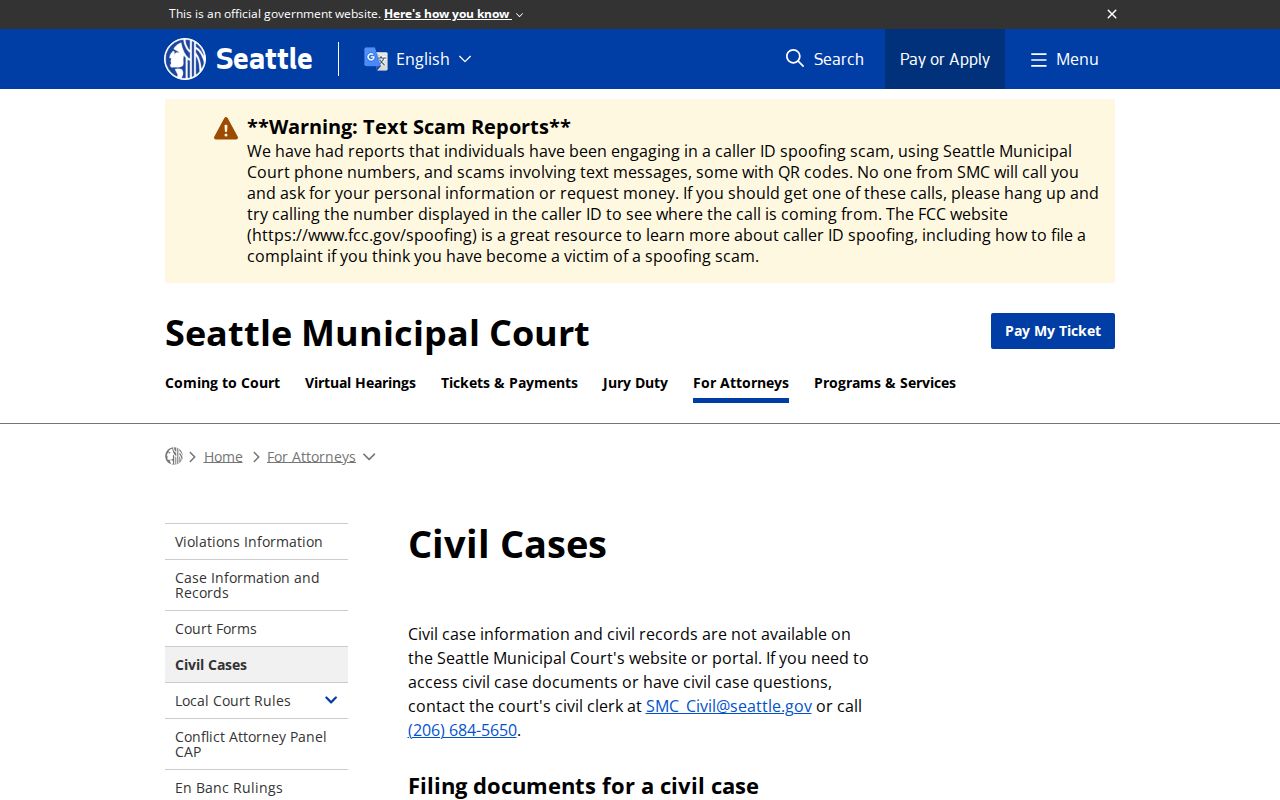
Civil filings reach the Seattle Municipal Court clerk several ways. You can email the filing. Or fax it to 206-684-8115. Bring it to the third-floor Clerk's Office, or mail it to Seattle Municipal Court, Attn: Clerk's Office, 600 Fifth Avenue, PO Box 34987, Seattle, WA 98124-4987. Remember that filing a case and pulling a copy of a record are two different errands. The clerk's office handles both. But a Seattle civil docket search starts with the civil channel, not the public portal.
Where Seattle Cases Go
Not every Seattle case belongs to Seattle Municipal Court. Felonies, major civil matters, family law, probate, and other general-jurisdiction cases are heard by King County Superior Court. King County District Court keeps its own limited-jurisdiction docket. The caption and court name on your paperwork tell you which portal holds the court docket you need.
Docket flow: Seattle Municipal Court › King County courts › King County Superior Court
The King County Superior Court Clerk's Office, also called DJA, keeps Superior Court records. KC Script is its system. Current guidance says a login has been required for case search since June 19, 2026. District Court takes a different route, with its own e-Filing & Case Access Portal. The King County court docket overview walks through those county systems in far more depth.
Seattle Records Request Routes
A Seattle case record is not always available online. When it is not, the court gives you several request routes. Use the online form, the fillable Request for Court Records PDF, email to SMC_Copy_Requests@seattle.gov, or fax to 206-684-8115. Include the case number and the names on the case. Add a description of the document you want. Administrative records and bulk data go through the city's Public Records Portal instead. The court request page on the official site spells out each option.
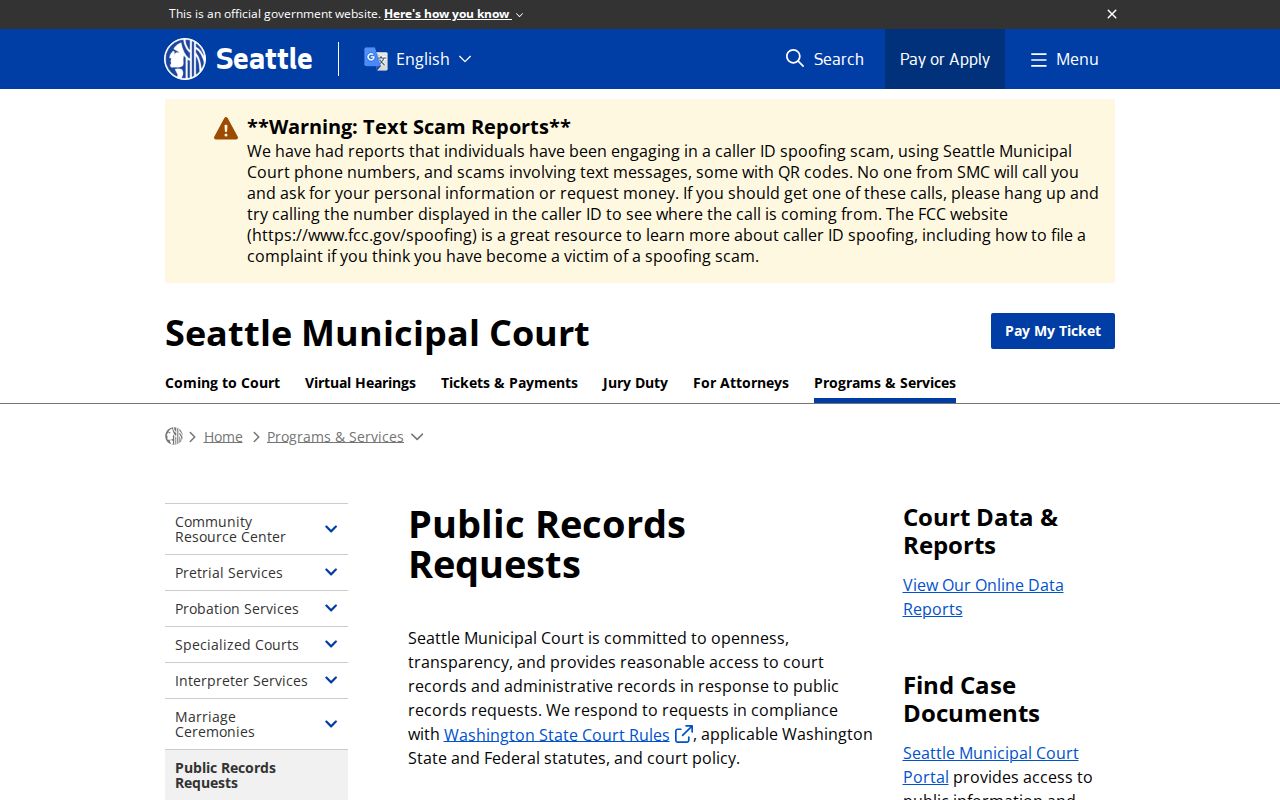
A Seattle court case request is not the same as a general city administrative-record request. A Seattle police record is not the same as a Municipal Court file, either. Send each request to the office that actually keeps the item. Correct routing cuts delay. It also helps the Seattle clerk locate the exact docket entry you are after.
Seattle Court Record Access Rules
Washington GR 31 starts from a presumption of public access to court records. Access still bends to law, court rule, court order, and case law. What you see online can be narrower than what the counter provides. Juvenile files, sealed matters, health information, family law material, and other protected content may be redacted, withheld, or missing entirely even when a public case index exists for the Seattle docket.
Key Rules:
Washington GR 31 governs court-record access and bars public web display of juvenile offender information.
Washington GR 15 provides the procedure for sealing, redaction, and destruction.
Washington GR 31.1 covers judicial administrative records rather than ordinary case files.
The Washington Public Records Act may cover municipal administrative records, but court cases follow the Seattle court rules first. For a certified copy, ask the Seattle clerk who holds the original filing.
Seattle Portal and Clerk Roles
The portal finds and displays. The clerk keeps. That split matters for an older Seattle file, a civil record, a certified copy, a recording, or a protected document. A portal can show a court date without making every indexed document viewable. For the Seattle docket, start with the Seattle Municipal Court home page. It is the official source for current links.
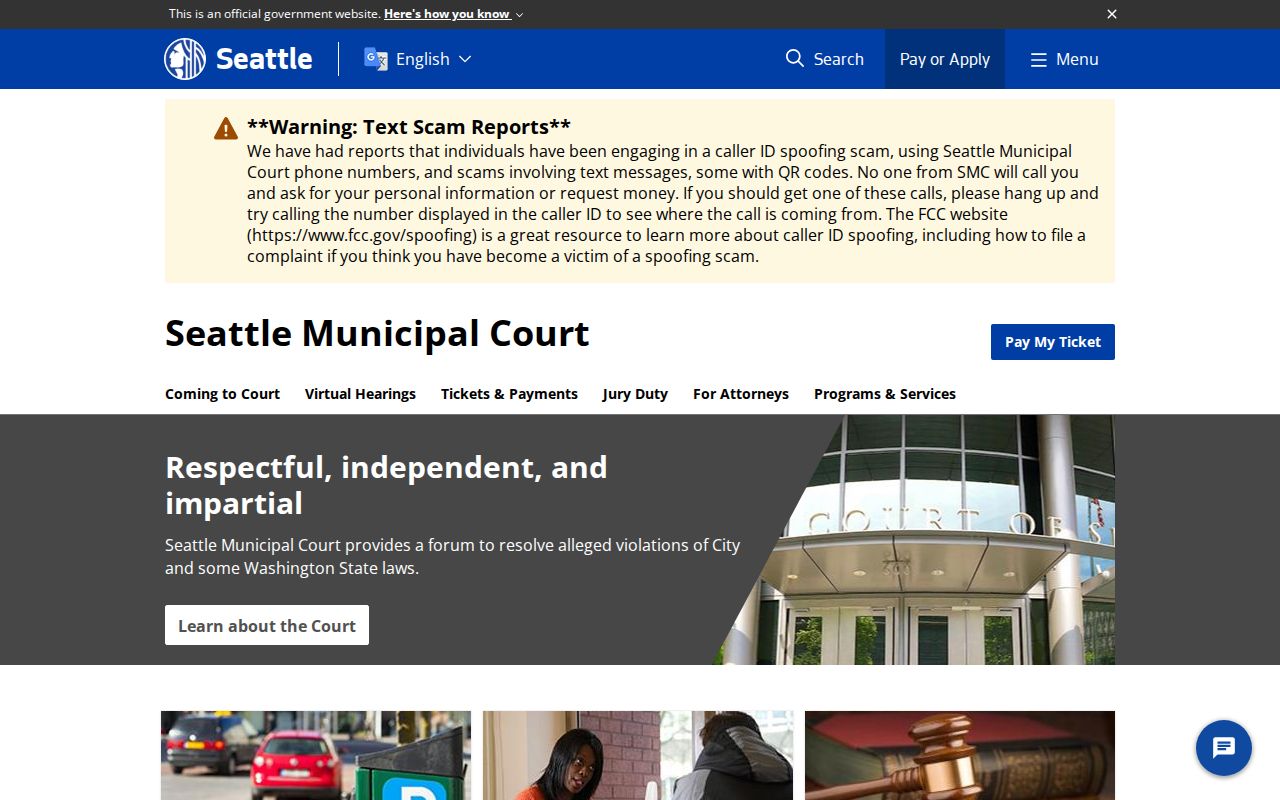
Confirm current Seattle links before you file, search, or request a copy. Use the docket for the chronology of a case. Use a document request for a filed item. Rely on the Seattle clerk for certification, so your search stays tied to the actual official record.