
Searching King County Civil Dockets
Which court holds the case? Big civil claims, real-property title or possession, unlawful detainer, family law, probate, and other general-jurisdiction matters sit with King County Superior Court. Its Clerk/DJA offers KC Script for case lookup. District Court takes limited civil matters and small claims. Protection-order and impound records also show up in its civil search bucket. The KCDC portal serves that docket. Enter the full case number when you can. Otherwise search by name. Pick the correct court, civil case type, and filing range before you run it.
- Check the filing or hearing notice for the court and case number.
- For Superior Court, create the required free KC Script login and search its case index.
- For KCDC, log in, select Civil, and search by case number, person, or company.
- Confirm the caption, status, court location, and assignment before reading events.
- Request the signed order, judgment, or certified copy from the responsible clerk.
King County Civil Jurisdiction Lines
Type and amount drive the docket. Washington's court guide places shared civil jurisdiction between Superior and limited-jurisdiction courts. That shared line runs up to $100,000. Small claims in District Court are money-only. A natural person can claim up to $10,000 there. A business or other entity is capped at $5,000. Major claims, plus anything the law assigns there, still belong to Superior Court.
| Docket | Typical King County matters | Custodian |
|---|---|---|
| Superior civil | Major claims, real property, unlawful detainer, family, probate | Superior Court Clerk/DJA |
| KCDC civil | Limited civil claims, small claims, protection orders, impounds | District Court clerk |
| Municipal | No ordinary civil or small-claims jurisdiction | City clerk only for the narrow city matters it holds |
A city name in the caption does not convert a civil dispute into a municipal case. The notice of filing tells you which court actually holds the record.
Inside a King County Civil Docket
The header does the identifying. It gives the filing date, caption, court, and status. You may also see case type or cause code, assignment area, and judge or commissioner when shown. Party entries separate plaintiff or petitioner from defendant or respondent and often name counsel. From there the register runs in date order. It links the complaint or petition to service, response, motions, settings, orders, trial activity, judgment, and post-judgment work.
| Case index | The numbered chronology used to locate each filed item. |
|---|---|
| Caption and parties | The formal case name and the role of each person or entity. |
| Motion or notice | A request or scheduled step, not the court's final ruling. |
| Calendar event | Date, time, judge or commissioner, location, event type, and result when available. |
| Order or judgment | The signed record of a ruling or final decision. |
| Post-judgment entry | Abstract, writ, garnishment, satisfaction, appeal, or enforcement activity. |
When legal effect matters, read the signed order. A motion entry or notice of setting only tells you an issue reached the court, not what it decided.
King County Civil Portal Fields
The two portals do not work alike. KCDC civil searches offer Filing Date, First Name, Last Name, optional date of birth, or Company Name. The search window may span up to 365 days. Results connect to Summary, Events, Documents, and Register of Actions. KC Script relies on account access for case search and document requests.
| Portal | Search fields | Important limit |
|---|---|---|
| AOC Case Records Search | Court level, court, case type, year, name, business, number | Index may be delayed or incomplete |
| KCDC | Case number or Civil, filing date, person/company, optional DOB | Name window may span 365 days |
| KC Script | Account login, case number or party, index and documents | Case search requires free login |
| Seattle Municipal | Public portal fields do not supply Seattle civil case information | Call the civil clerk instead |
Treat the statewide AOC record as a way to spot the court. Then go back to the local clerk for the full King County civil docket and a certified copy.
Civil Case Types on the Docket
Keep Superior and District Court labels straight. The case type drives the portal choice, filing office, assignment, and hearing location.
- Contract, debt, tort, and other civil claims within the court's jurisdiction.
- Real-property and unlawful-detainer cases filed in Superior Court.
- Small claims filed in the correct KCDC service area.
- Family, probate, guardianship, and protection matters with special access rules.
- Impound cases included in the KCDC Civil search choice.
Municipal courts take city offenses and infractions, not ordinary civil suits. Seattle's few limited municipal civil records are a portal exception too. The public portal does not carry that civil case information, so contact the civil clerk at 206-684-5650 or SMC_Civil@seattle.gov.
Seattle and Kent Civil Assignments
Superior Court LCR 82 requires every initial civil filing to carry a Seattle or Kent Case Assignment Area designation. That explains a common puzzle. A south-county matter lands at the Maleng Regional Justice Center while a north or east county case shows up in Seattle. The assignment is simply routing information on the docket.
District Court splits things further. KCDC routes civil and small-claims areas among Burien, Redmond, Seattle, Shoreline, and other facilities, and a filing location may differ from the hearing site. Trust the notice and the current Events entry rather than choosing a courthouse from the party's address.
Note: An assignment area marks venue and scheduling only. It says nothing about who won the case.
Civil Docket Settings and Hearings
A King County civil docket can list many motions. Examples include a motion to dismiss, a summary-judgment motion, a default motion, a discovery motion, a continuance, a trial assignment, or a motion for reconsideration. Each may carry a hearing date and judicial officer. "Notice of Court Date" and "Notice of Setting" are schedule entries. The signed order records the decision itself.
Superior Court also publishes daily, civil-trial, standby, chief-civil, family, ex parte, probate, and location calendars. KCDC points to Summary and Events for a case's next hearing. The King County court dates reference walks through verifying a moved setting. Always check the newest active event against the direct notice.
King County Civil Records Access
Going online is not the only route. Superior Clerk public terminals and KCDC courthouse terminals allow in-person review. Superior Court accepts its records request form and document orders. KCDC takes a Request for Court Records by email at kcdc.webmaster@kingcounty.gov. The few city records stay with municipal clerks and their own systems. Phone staff can help you pin down a case number or assignment. They will not give legal advice or create a new record.
The official Superior Court records-access page lays out the local record route. It does so in the county's own words.
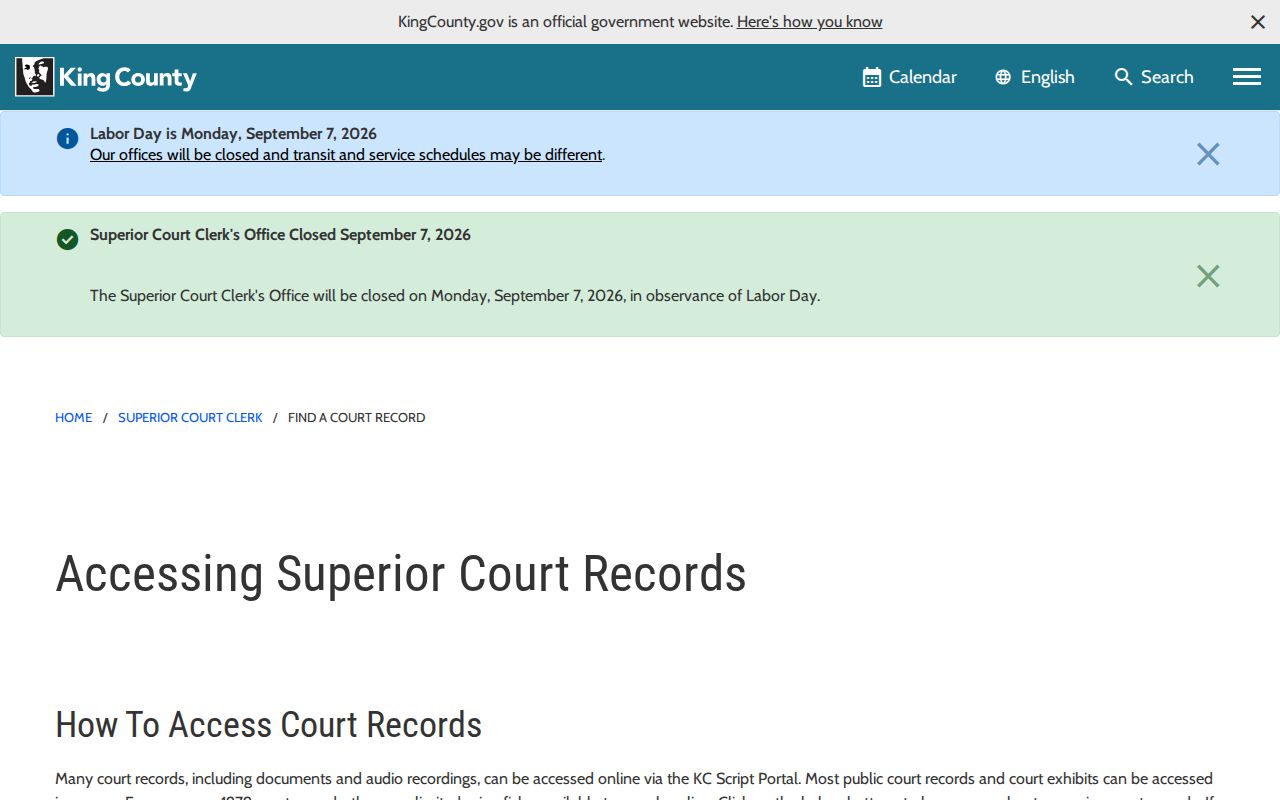
The Clerk's own guidance separates the searchable index from the filed document. A public index does not promise that every image is viewable online.
King County Motions and Judgments
A civil register reads best in date order. Begin at the first pleading, then check how the other side was served. The docket next shows the answer and any counterclaim. Motions, notices, hearing outcomes, and signed orders follow in turn. If the case reaches trial or settles, expect a closing entry. Judgment, dismissal, transfer, or another ending will appear. Abstracts, writs, garnishment, satisfaction, extensions, appeals, and enforcement efforts appear further down the line.
- Motion
- A party's request for a court ruling.
- Order
- The court's written direction or decision on an issue.
- Default judgment
- A judgment entered through the default process shown in the file.
- Judgment
- The enforceable decision resolving a claim or obligation.
- Continuance
- A hearing moved to a later date; verify the newest setting.
An abbreviated docket code is never a ruling by itself. Ask the clerk for the signed order that actually controls the case.
Civil Docket Access Rules
Most King County civil dockets are open to anyone. Law, court rule, and judicial orders set limits. Some material stays restricted even when the caption is public, including family, guardianship, health, therapeutic-court, and juvenile files, plus confidential-source records. Identifiers like birth dates may be redacted. Where a case or document is sealed, be ready to show ID and prove you are entitled to see it.
Washington access rules:
GR 31 governs public access to court records and recognizes legal and court-ordered restrictions.
GR 15 governs sealing and redaction, with focused redaction generally preferred to sealing a full file.
GR 22 applies special limits to family, guardianship, health-care, and related source records.
For administrative judicial records, the governing rule is GR 31.1. A case file is different, so use the court-record route under GR 31 rather than a generic executive-branch public disclosure request.